

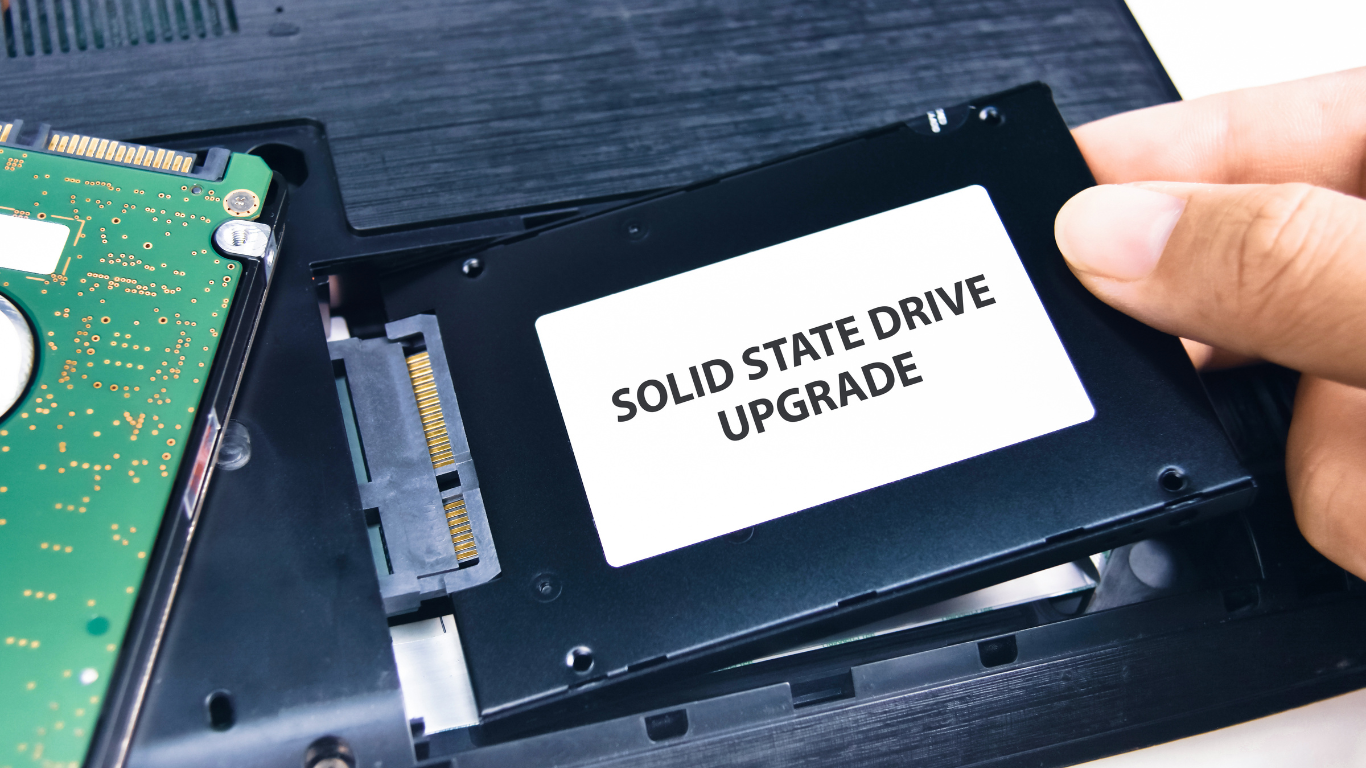
Many users feel frustrated when their computer takes too long to start. Therefore, during routine computer repair, technicians often check the storage drive first. In many cases, older hard drives slow down system performance because they rely on moving parts. However, switching to a faster storage option can make a noticeable difference. That is why an SSD upgrade has become one of the most recommended solutions for improving speed.
Recent 2026 hardware performance reports show that computers using modern NVMe SSDs can start operating systems up to 4–6 times faster than those using traditional hard drives. Additionally, faster startup times help employees and students begin work quickly without waiting for long loading screens. As a result, productivity improves naturally without major hardware changes.
How SSD Technology Speeds Up Daily Tasks
Unlike older drives, solid-state drives store data on memory chips rather than spinning disks. Because of this design, files open faster and programs respond more smoothly. For example, opening large spreadsheets or design files becomes quicker after an SSD upgrade. Similarly, web browsers launch faster, which helps users move between tasks without delay.
According to 2026 storage benchmarks, average file transfer speeds for SATA SSDs reach about 500–550 MB per second, while standard hard drives typically operate between 80–160 MB per second. Therefore, the difference in speed becomes clear when copying files or installing software. Moreover, during professional computer repair, technicians often observe that systems upgraded to SSDs experience fewer slowdowns during multitasking. This means users can switch between programs easily without freezing or lagging.
Improved Responsiveness Creates a Better User Experience
Speed is not only about startup time; instead, it also affects how smoothly the system reacts to commands. When a computer responds quickly, daily tasks feel less stressful. Therefore, an SSD upgrade improves the overall experience, especially for users who work with many files. Furthermore, faster storage helps reduce delays during software updates. According to 2026 device performance tracking, systems running on SSD storage complete operating system updates nearly 35–45% faster than systems using traditional drives. Because updates install more quickly, users spend less time waiting and more time working.
At the same time, smoother responsiveness reduces strain on other components. For instance, faster loading decreases repeated processing delays, which helps maintain stable performance during long work sessions.
Long-Term Benefits Beyond Faster Startup
Many people choose an SSD upgrade mainly to reduce startup time. However, the long-term advantages go beyond speed alone. For example, SSDs contain no moving parts, so they are less likely to fail due to mechanical wear. Therefore, they often last longer under normal usage conditions.
In addition, modern SSDs use advanced power management features. According to 2026 energy efficiency data, SSD-equipped computers use up to 20% less power during active use compared to traditional hard drives. As a result, laptops gain longer battery life, while desktops benefit from improved energy efficiency. During routine computer repair, technicians frequently recommend SSD upgrades for older systems because they extend the useful life of the machine without requiring a full replacement.
Technology continues to evolve, yet many slow computers still rely on outdated storage. Therefore, choosing an SSD upgrade remains one of the simplest ways to achieve noticeable performance gains. When combined with regular computer repair maintenance, this upgrade improves startup speed, enhances responsiveness, and supports smoother daily work. In the end, faster storage not only saves time but also creates a more reliable and efficient computing experience for both home and business users.